
Back to Coaches hubCoaches · Step 1
Register your programme
Choose your competition, then register your teams and athletes through the Future Cheer Ideal-Logic portal.
Which competition should I attend?
We offer a variety of competitions each year, which vary in terms of location, size and divisions offered. View our competitions to find the right fit for your programme.
How do I register for a competition?
All registration is done through the Future Cheer online portal on Ideal-Logic. If you have never registered for a Future Cheer event before, you can create a new account using the portal link below. Existing coaches can log in to register new teams, update athlete information and qualifications, and view scoring information after an event. First, take a look at videos 1–3 which walk you step by step through the process.
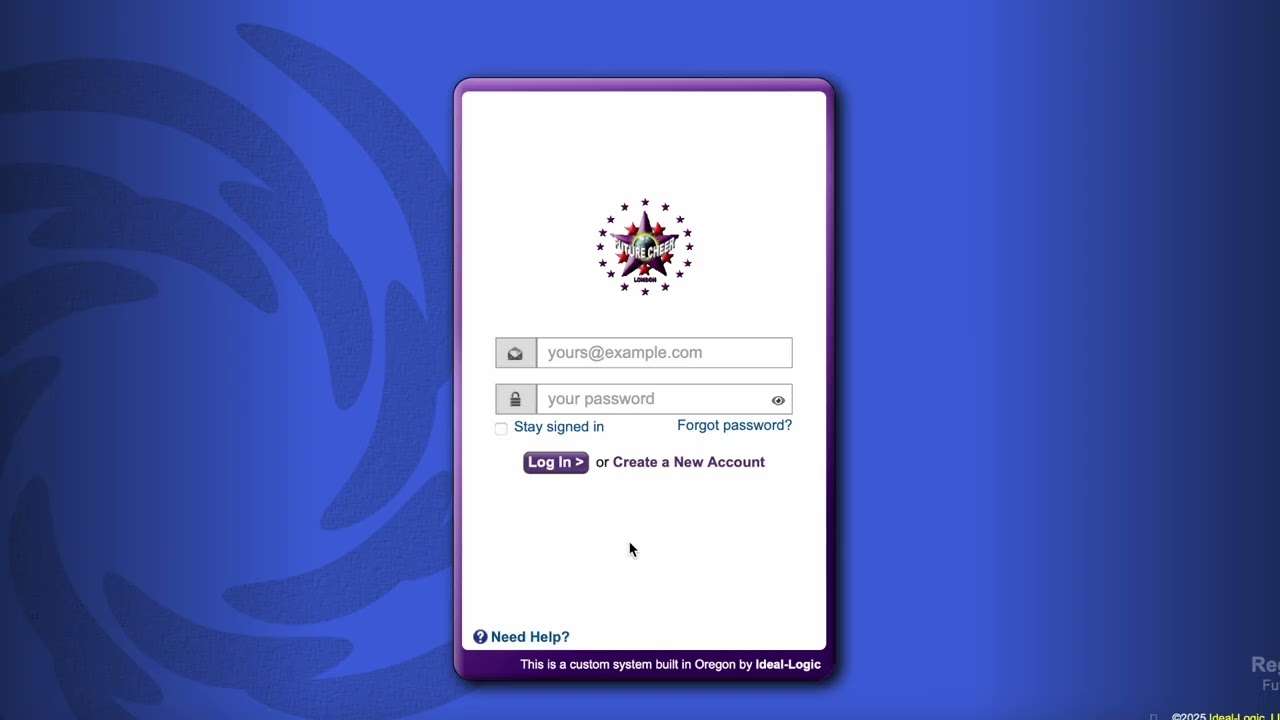 Step 1Video 1Getting startedYour very first step when registeringWatch on YouTube ↗
 Step 2Video 2Competition & programmeAdding a competition & programme to your registrationWatch on YouTube ↗
 Step 3Video 3Teams & participantsAdding teams & participant details to a registrationWatch on YouTube ↗
Still have questions?
If you have any questions regarding coach qualifications or any of the information above, please contact danielle@futurecheer.net or bonnie@futurecheer.net.